
Companies is Verai's lightweight CRM for the businesses you sell to — retailers, restaurants, or any other wholesale account. Companies works alongside Contacts: a single company can have several people (contacts) and several locations.
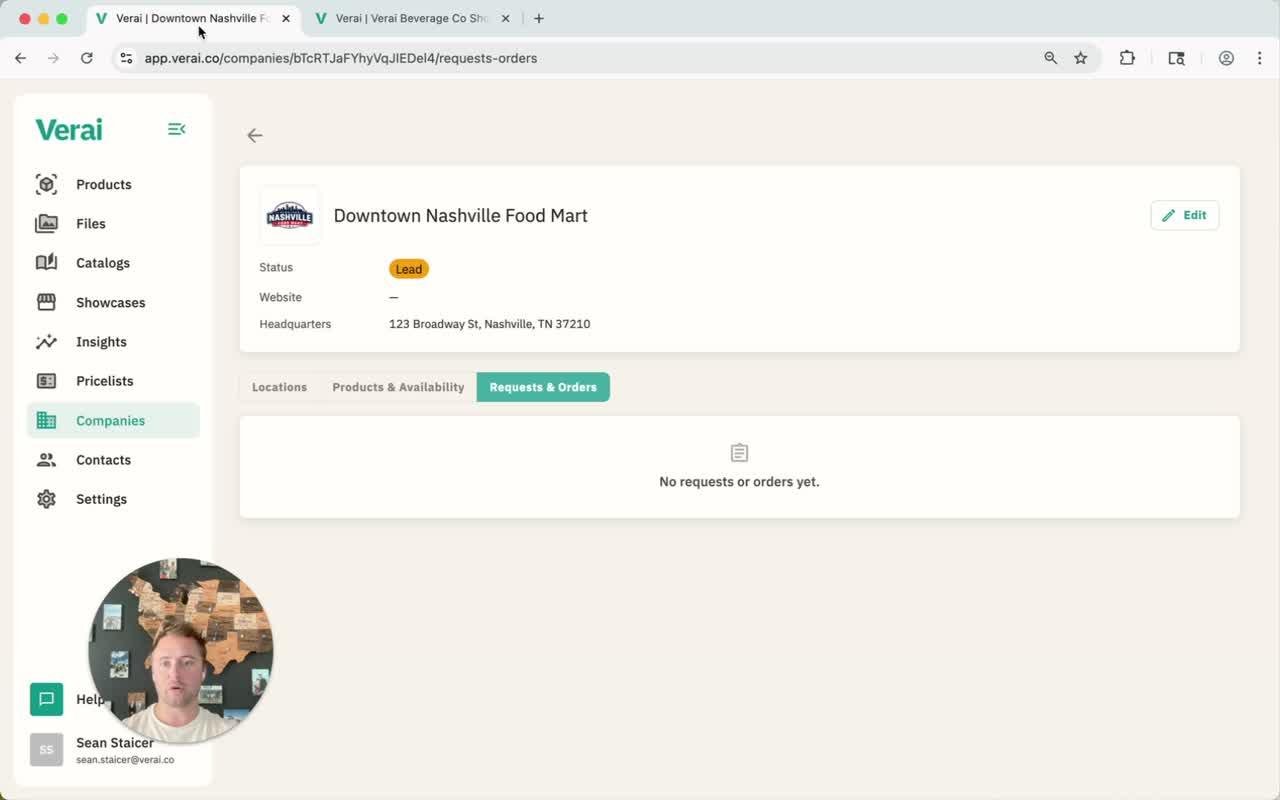
What's on a company record
- Status shows where the account stands, such as Lead.
- Locations lists every address for that company — useful for buyers with more than one storefront.
- Products & Availability shows which of your products are currently sold at each of that company's locations. Check the box next to a product to mark it available at a specific location.
- Requests & Orders shows every order that's come in from that specific business.
Connecting requests to a business
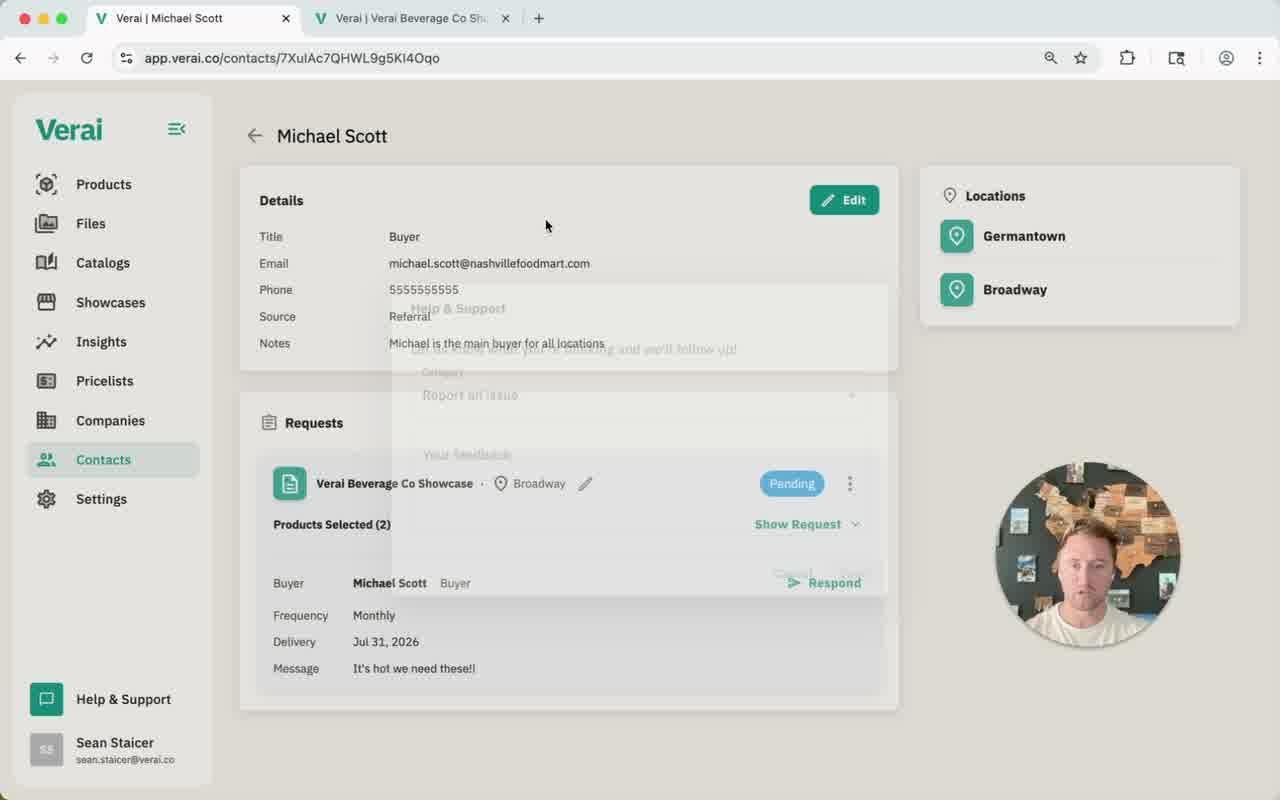
When a buyer submits a request through a showcase, it lands in the Contacts page's request inbox first. Open the request and use Assign Location to tie it to the right company and location — that's what makes it appear under that company's Requests & Orders tab.
Related guides
See Managing Contacts & Requests for how to create contacts and work through the request inbox.
Questions? Use the Help & Support button in the bottom-left corner of Verai to send us a message — we'll get back to you as soon as possible.