
A pricelist is an optional rule that adjusts the wholesale price of every product in a showcase. It's the easiest way to offer the same catalog at a different rate to a different buyer or channel, without creating separate products or catalogs.
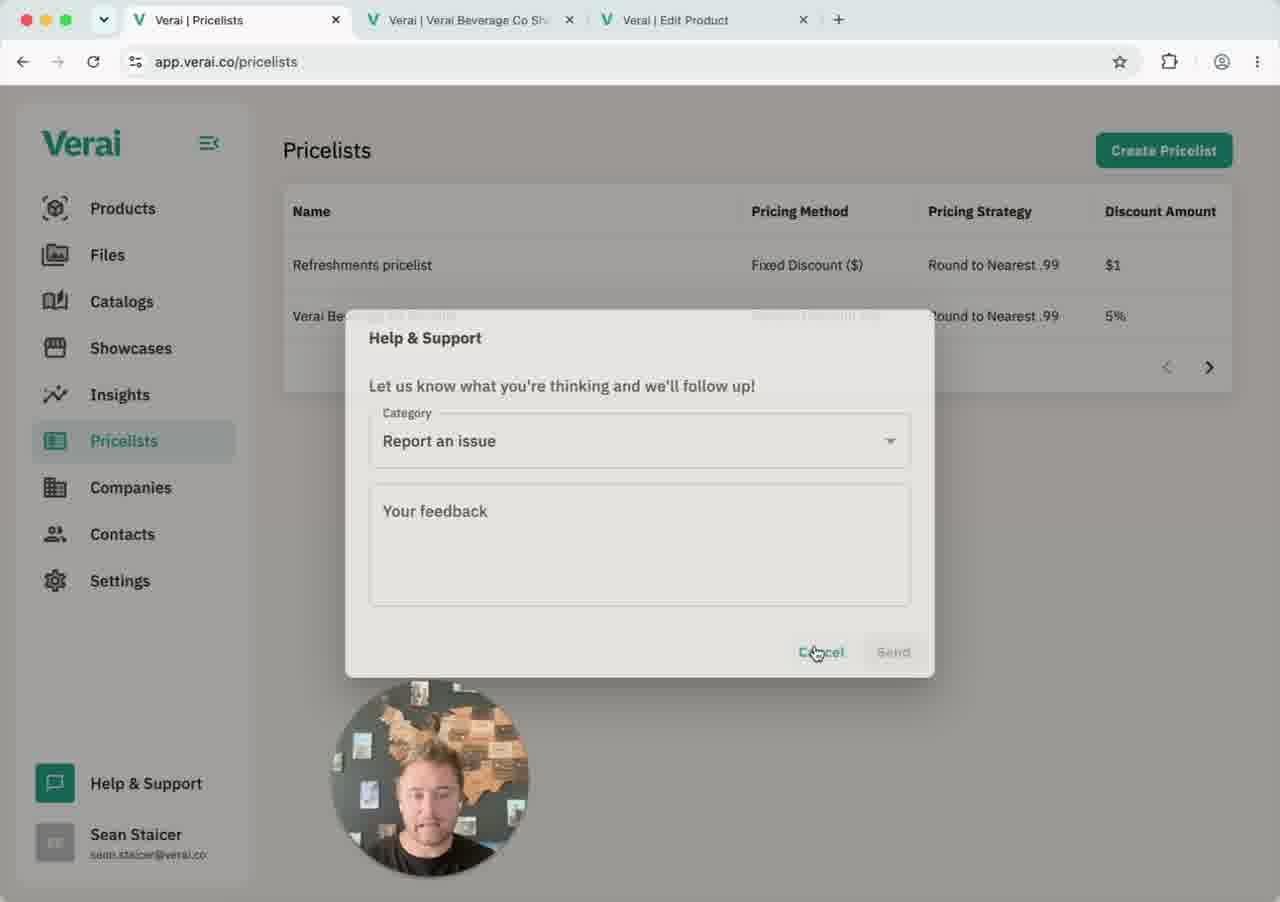
How pricing stacks
Verai builds the price a buyer sees in three layers: the master wholesale price set on the Products page, an optional catalog-level override, and an optional pricelist discount. The master wholesale price never changes — pricelists and catalog overrides only affect what's displayed on a given showcase.
Creating a pricelist
- Go to Pricelists and click Create Pricelist.
- Name it, then choose a discount type: a fixed dollar amount off, or a percentage off.
- Choose a pricing strategy for rounding the result — round up or down to the nearest .99, round to the nearest whole dollar, or use the exact calculated price.
- Click Create to save it.
Applying a pricelist
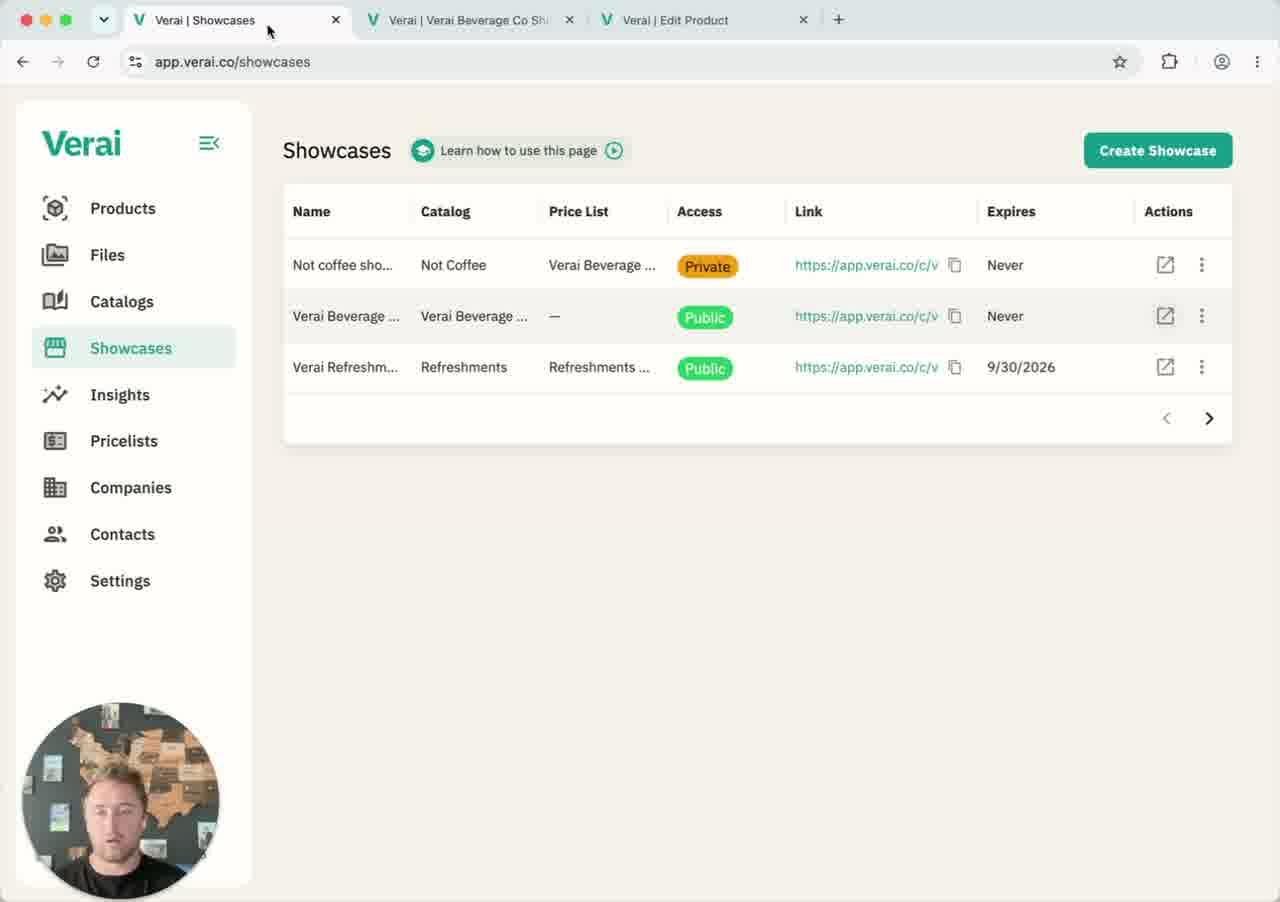
Pricelists attach at the showcase level, from the Price List dropdown when creating or editing a showcase. Every product in that showcase automatically receives the discount — there's no need to set it product by product.
The discount only changes the wholesale price shown to that showcase's buyers. The MSRP is never affected.
Related guides
Read How Catalogs Work and Creating & Using Showcases for the full picture of how pricing comes together on a showcase.
Questions? Use the Help & Support button in the bottom-left corner of Verai to send us a message — we'll get back to you as soon as possible.